Upgrading vs. Repair: Smart Choices for Printer Services
Printer services often reach a crossroads: repair the current equipment or upgrade to newer models. This decision impacts budgets, productivity, and long-term operations. Businesses weigh factors like age, usage patterns, and technological advancements to choose wisely.
Repair extends the life of existing printers through targeted fixes. Upgrading introduces modern features like faster speeds and better integration. Both paths offer benefits depending on specific needs and constraints. Small offices might lean toward repairs for budget reasons, while growing firms favor upgrades for scalability.
This article compares the two approaches in detail. It covers costs, performance gains, maintenance demands, and decision frameworks. Readers gain tools to evaluate their printer services effectively. Real-world examples and strategies provide practical guidance for implementation.
Key Takeaways
- Assess printer age and usage before deciding on repair or upgrade.
- Repairs suit low-volume, newer units; upgrades fit high-demand scenarios.
- Total cost of ownership guides smarter long-term choices.
- Energy efficiency improves with modern printer upgrades.
- Downtime minimization favors proactive service strategies.
- Hybrid approaches combine repairs with phased upgrades.
Understanding Printer Repair Services
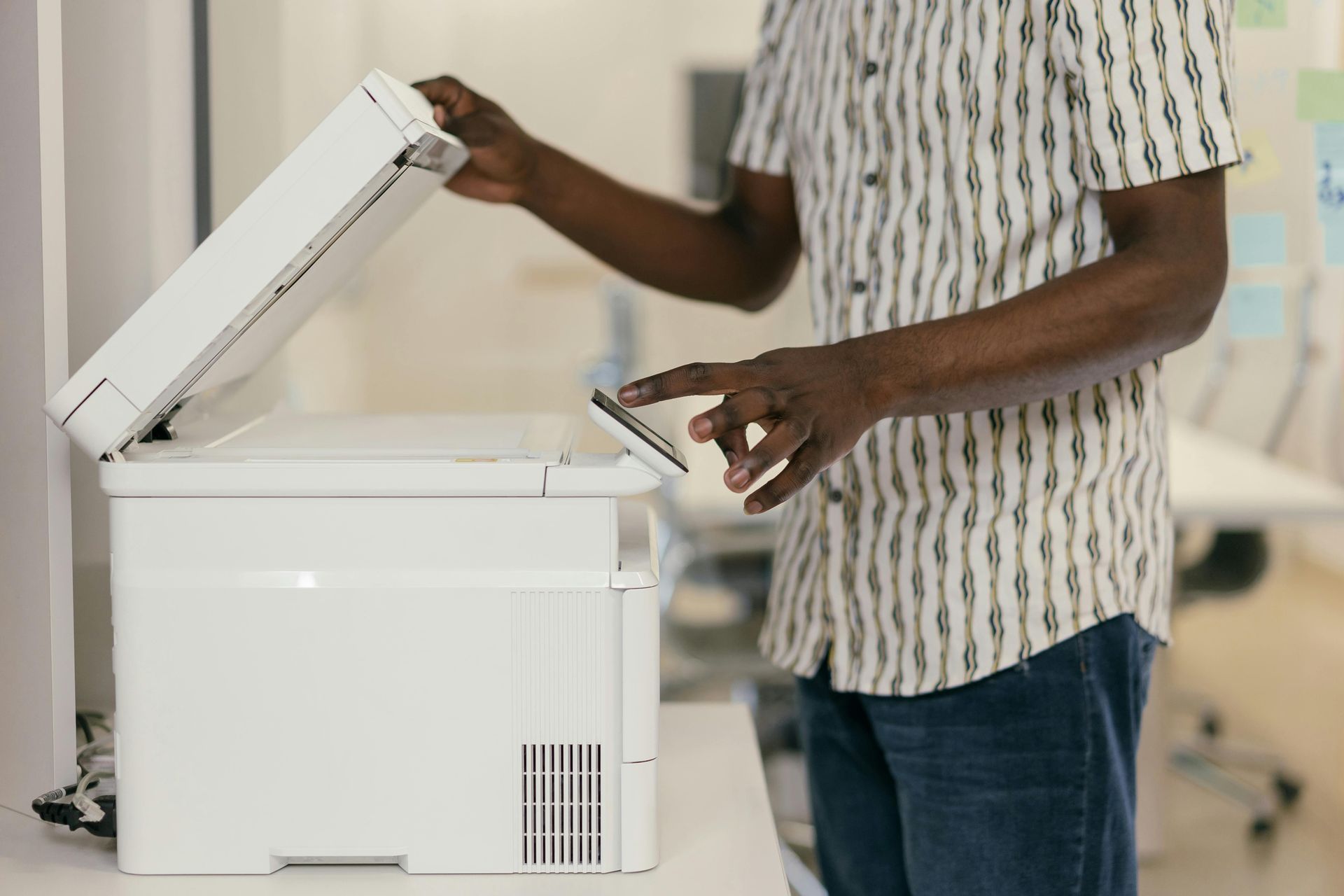
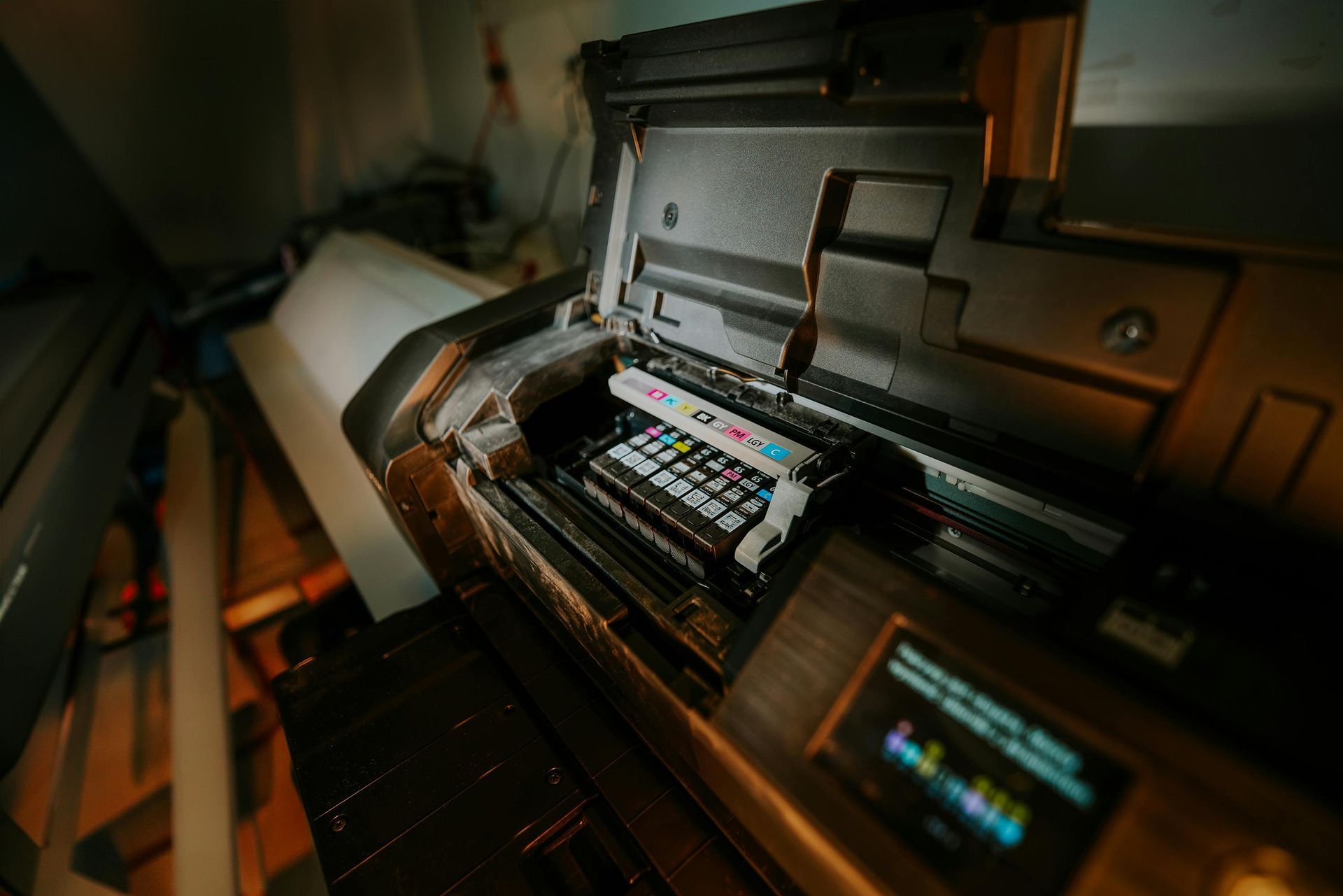
Printer repair services address common issues like paper jams, ink failures, and connectivity problems. Technicians diagnose faults using specialized tools and replace parts such as rollers, fuser units, or print heads. These interventions restore functionality without full replacement. On-site services minimize disruption, with many providers offering same-day responses for urgent cases.
Routine maintenance forms the foundation. Cleaning internal components prevents buildup that causes errors. Firmware updates fix software glitches. For businesses with multiple units, service contracts provide scheduled visits and priority response. These plans often include unlimited repairs for a flat fee, making them predictable.
Repair works best for printers under five years old with moderate print volumes. Simple fixes like belt replacements cost under $200 and take hours. Complex overhauls, such as laser assembly work, run higher but extend life by 1-2 years. Tracking service logs helps predict future needs.
Challenges arise with obsolete models. Parts scarcity drives up expenses, sometimes exceeding new unit prices. Skilled labor remains key; experienced techs minimize repeat visits. Diagnostic software speeds troubleshooting, identifying issues remotely in some cases.
Businesses track repair history to spot patterns. Frequent breakdowns signal deeper issues warranting upgrade consideration. Annual reviews prevent reactive spending spirals.
The Case for Upgrading Printer Equipment
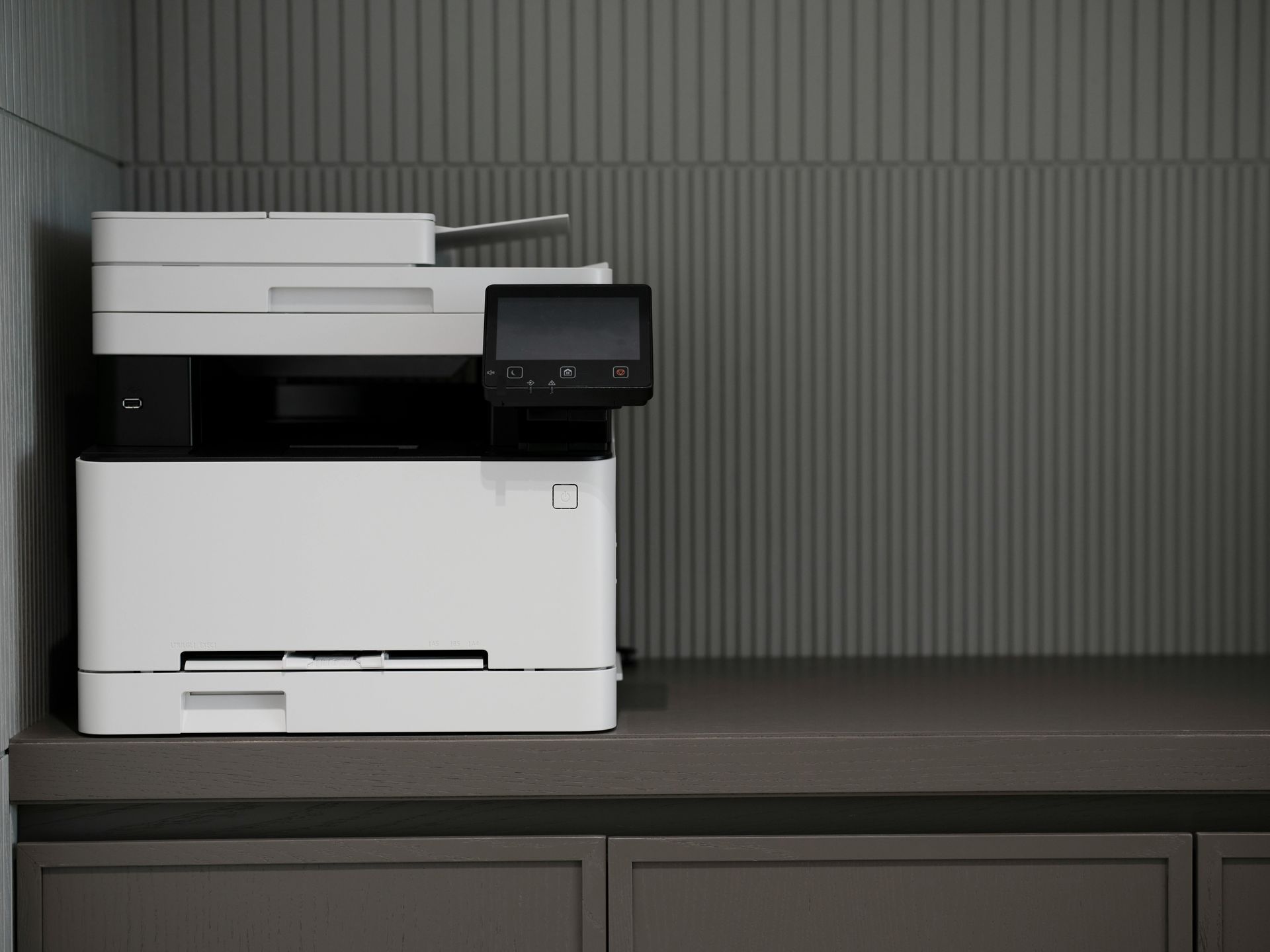
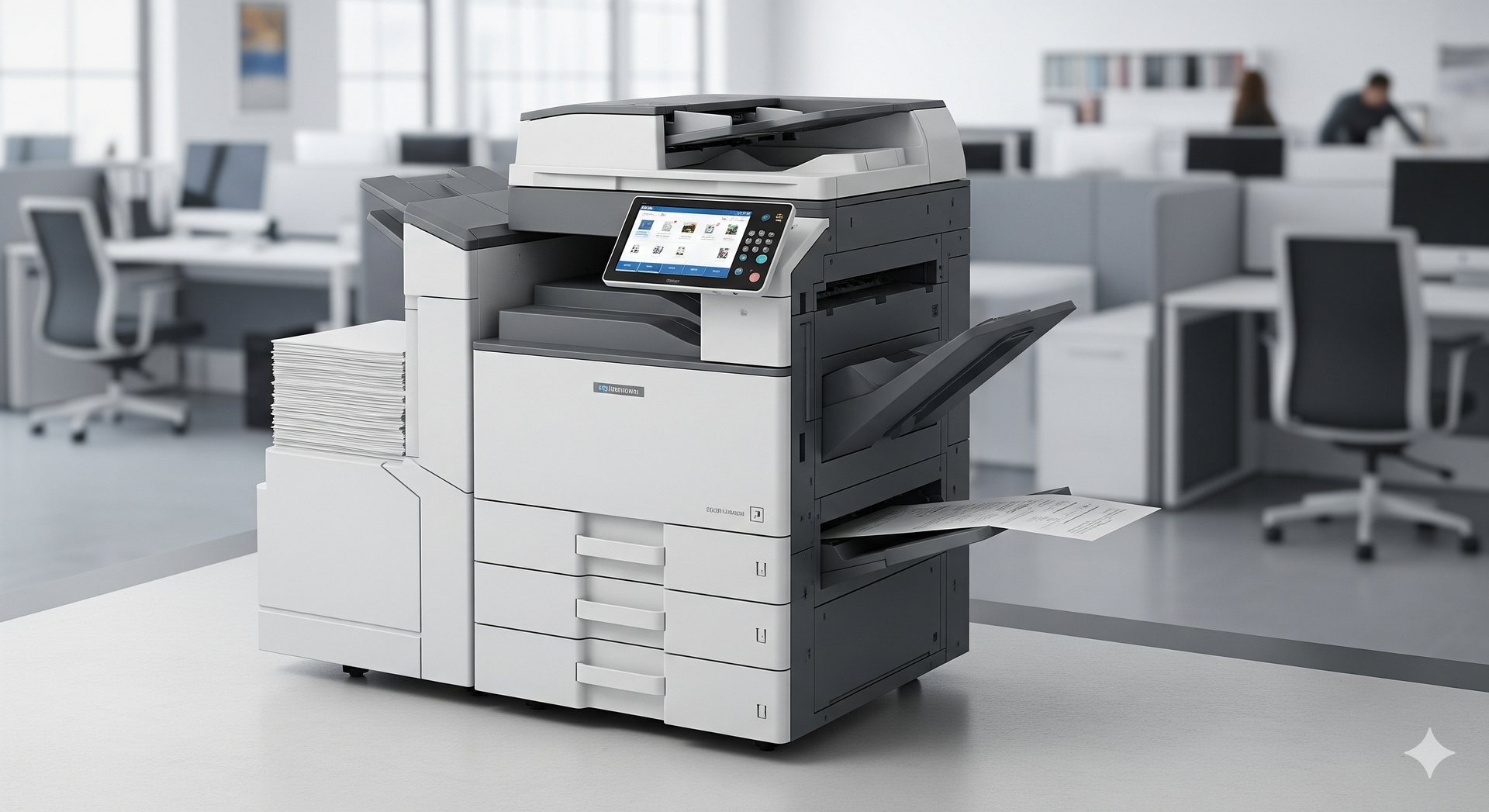
Upgrading involves replacing old printers with current models featuring enhanced capabilities. Modern units offer duplex printing, mobile connectivity, and cloud integration. Speeds reach 50 pages per minute versus 20 in older machines. Higher paper capacities reduce frequent reloading.
New printers incorporate energy-saving modes and recyclable components. Touchscreen interfaces simplify operation. Security features like user authentication protect sensitive documents. Scan-to-email and document management apps streamline workflows.
Upgrades shine in high-volume environments. Offices printing thousands of pages monthly benefit from reduced per-page costs. Color accuracy improves for marketing materials. Integration with CRM systems automates labeling and invoicing.
Initial costs range from $300 for desktops to $5,000 for workgroups. Financing options spread payments. Many vendors bundle upgrades with trade-in credits for old units. Tax incentives sometimes apply to energy-efficient models.
Long-term, upgrades lower operational expenses through efficiency. Toner yields increase, and waste decreases. Scalable designs support business growth without frequent changes.
Cost Comparison: Repair vs. Upgrade
Costs form the core decision metric. Repairs provide short-term savings but accumulate over time. A single fuser replacement might cost $150, but recurring issues add up. Multiple visits compound labor fees and travel charges.
Upgrades carry upfront expenses offset by longevity. A $1,000 new printer lasts 5-7 years, averaging $143 annually. Repairs on a failing unit could match that in two years. Break-even analysis helps quantify tipping points.
Hidden costs influence choices. Downtime from repairs disrupts workflows, costing $50-$100 hourly in lost productivity. Upgrades minimize interruptions with reliable performance. Training time for new interfaces proves minimal with intuitive designs.
Service contracts alter equations. Repair plans cost $10-$30 monthly per unit. Upgrade leases include maintenance, simplifying budgeting. Volume discounts apply to fleet upgrades.
| Factor | Repair Costs (Annual) | Upgrade Costs (Annual) |
|---|---|---|
| Parts/Labor | $200-$800 | Included in lease |
| Toner/Supplies | $500-$1,200 | $400-$900 (efficient) |
| Downtime | $1,000+ | Minimal |
| Energy | $100-$200 | $50-$100 |
| Total (Mid-Volume) | $1,800-$3,200 | $1,200-$2,000 |
Performance and Efficiency Gains
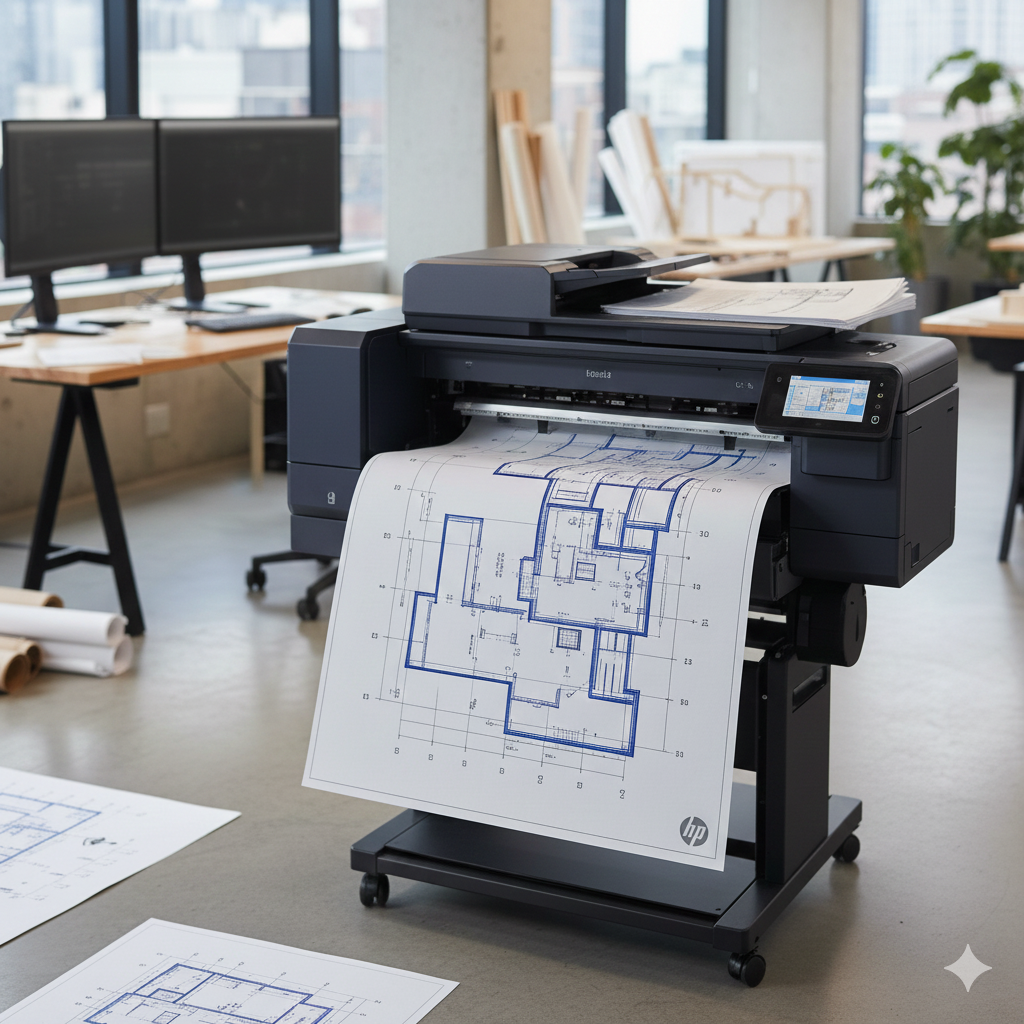
Performance metrics highlight upgrade advantages. Older printers struggle with large files or graphics, producing faded outputs. New models handle PDFs and scans seamlessly. Banner printing and heavy media support expand capabilities.
Efficiency extends to network integration. Upgrades support Wi-Fi 6 and app-based printing from phones. Repairs rarely address software limitations. Centralized print queues balance loads across devices.
Print quality elevates with upgrades. Resolution hits 2400 dpi versus 600 in legacy units. Color consistency aids professional documents. Auto-calibration maintains standards over time.
Speed reductions plague aging equipment. Repairs restore baseline but not improvements. Upgrades cut job times by 30-50 percent. Batch processing handles peak demands effortlessly.
Energy use drops significantly. Modern printers enter sleep modes quickly, saving 40 percent on bills. Quiet operation suits open offices.
Maintenance Demands Over Time
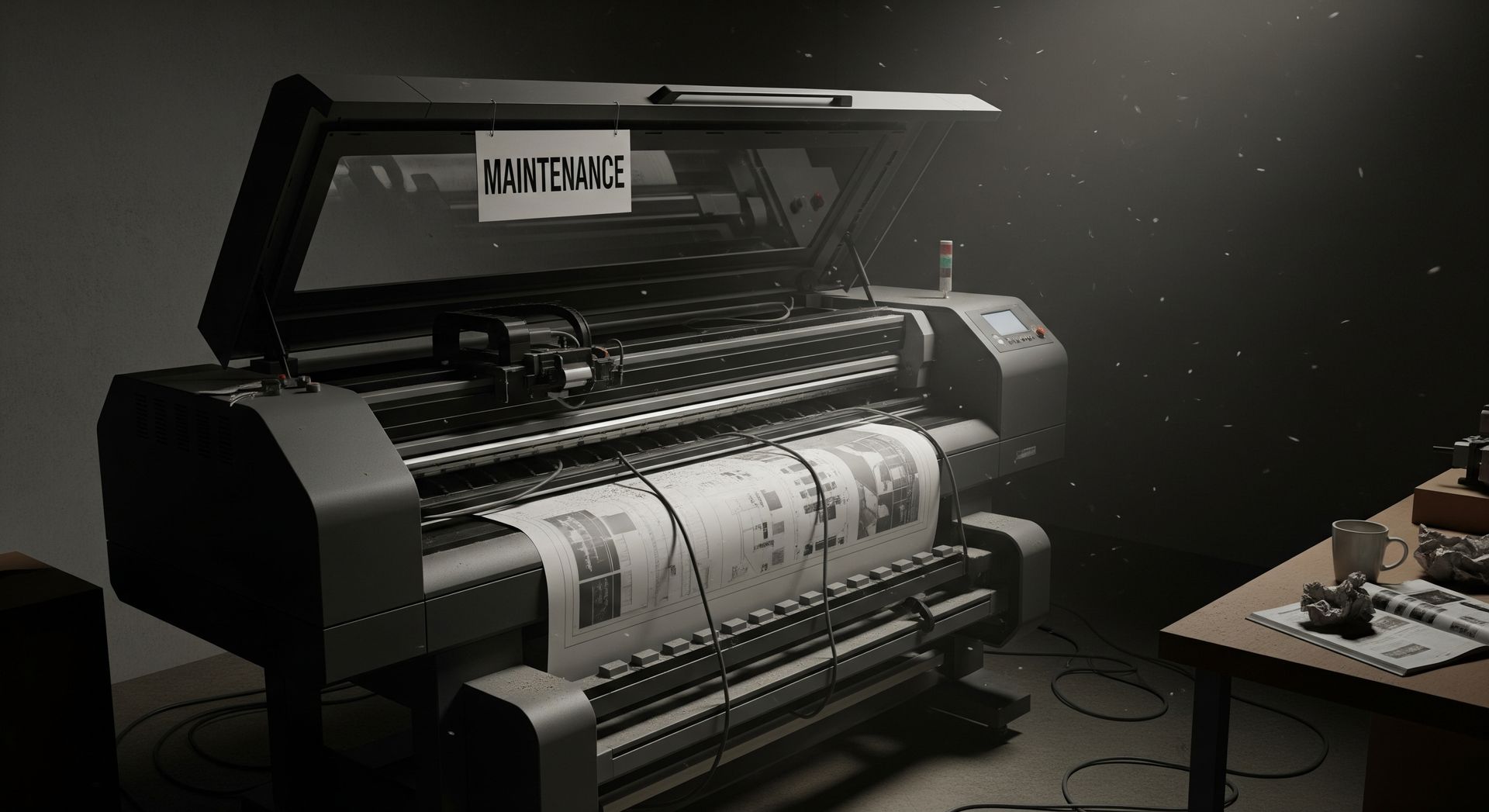
Maintenance evolves differently for each path. Repairs demand ongoing vigilance. Technicians visit for diagnostics, creating scheduling hassles. Parts inventory management adds an administrative burden.
Upgraded printers feature self-maintenance tools. Sensors alert to low toner or jams. Remote diagnostics allow virtual fixes. Over-the-air updates deploy seamlessly.
Predictive maintenance thrives with new tech. Usage data forecasts part failures. Repairs react to problems after they occur. Fleet dashboards visualize health across locations.
For fleets, centralized management software tracks all units. Upgrades enable this; repairs fragment oversight. Automated alerts prevent surprises.
Over five years, upgrade maintenance totals 60 percent less than repeated repairs. Staff time shifts from firefighting to strategic tasks.
Technology Trends Shaping Printer Services
Emerging trends favor upgrades. Cloud printing eliminates local servers. IoT connectivity enables real-time monitoring. Predictive analytics optimizes supply orders.
Sustainable features gain prominence. Recycled plastics and toner recycling align with green policies. Repairs often use new parts, less eco-friendly. Biodegradable components emerge in premium lines.
AI-driven optimization predicts workloads. Multifunction devices combine print, scan, and fax efficiently. Voice activation and smart assistants integrate printing.
5G integration supports remote offices. Upgrades future-proof against these shifts. Repairs maintain status quo, missing advancements. Blockchain secures print jobs in regulated industries.
Decision Framework for Businesses
A structured framework aids choices. Start with usage audit: monthly pages, color needs, user count. Review error logs for pain points.
Evaluate age: over seven years leans toward upgrade. Repair history over $500 yearly signals replacement. Benchmark against industry averages.
Budget analysis compares three-year totals. Factor productivity losses. Scenario modeling tests repair vs. lease options.
Consult vendors for demos. Test new models against current output. Pilot programs validate fits.
Phased rollouts suit large operations: upgrade high-use units first. Employee feedback refines selections.
Stakeholder input ensures buy-in. Cross-departmental committees align priorities.
Small Business Perspectives
Small businesses prioritize affordability. Repairs conserve cash flow for growth. A $200 fix keeps a desktop printer viable for startups.
Upgrades scale with expansion. Shared workgroup models serve 5-10 users cost-effectively. Cloud MFPs reduce IT overhead.
Volume under 5,000 pages monthly favors repairs. Higher demands justify upgrades. Home offices benefit from compact all-in-ones.
Leasing options fit tight margins, with upgrades every 3-5 years. Buyback programs recycle old gear.
Local service availability tips scales. Reliable repair techs extend equipment life economically. Community networks share vendor experiences.
Enterprise-Level Considerations
Enterprises manage hundreds of units. Centralized procurement favors upgrades for uniformity. Standardized models simplify support.
Total cost of ownership drives decisions. Upgrades reduce per-page costs by 25 percent. Analytics platforms quantify savings.
Compliance needs like data security push upgrades. Repairs rarely upgrade firmware. GDPR and HIPAA features embed in new hardware.
Scalability matters. Modular upgrades expand capacity without full swaps. High-availability clustering ensures uptime.
Bulk service contracts negotiate better terms. Global rollouts coordinate across time zones.
Environmental Impact Analysis
Upgrades promote sustainability. Efficient printers cut energy 30-50 percent. Recyclable designs reduce waste. Take-back programs handle end-of-life responsibly.
Repairs extend life, delaying landfill contributions. However, part production adds emissions. Shipping components globally increases carbon.
Toner recycling programs pair well with both. Upgrades integrate automated collection. Closed-loop systems reuse materials.
Carbon footprint calculators aid comparisons. New printers often score lower over lifecycles. Scope 3 emissions tracking gains importance.
Corporate ESG goals align with green upgrades. Certifications like Energy Star guide purchases.
Vendor and Service Provider Roles
Vendors shape decisions. Repair specialists offer diagnostics. Upgrade providers demo efficiencies. Managed print services handle end-to-end.
Service level agreements define response times. Repairs guarantee 24-hour fixes; upgrades include preventives. Penalty clauses enforce performance.
Trade-in programs bridge gaps. Credit old units toward new purchases. Customization options tailor solutions.
Independent audits verify claims. Third-party reviews guide selections. Case studies showcase results.
Long-term partnerships yield customized solutions. Joint planning anticipates needs.
Case Studies: Real-World Decisions
A mid-sized accounting firm repaired aging lasers for two years, then upgraded. Annual costs dropped 35 percent post-upgrade. Print speeds doubled, boosting throughput.
A startup leased multifunction printers from day one. Zero repairs, seamless scaling. Mobile printing empowered remote teams.
A nonprofit repaired extensively but faced part shortages. Bulk upgrade stabilized operations. Donations increased with professional materials.
A law firm phased upgrades, starting with color units. Case management integration streamlined filings.
These examples illustrate context-driven successes across sectors.
Strategies for Hybrid Approaches
Hybrids blend paths. Repair critical units while upgrading peripherals. Maintain legacy systems during transitions.
Rolling upgrades phase in new tech gradually. Budgets are spread evenly. Training programs ease adoption. Refurbished units offer upgrade benefits at repair prices. Certified pre-owned models carry warranties. Monitoring software identifies candidates dynamically. Usage thresholds trigger actions. Flexibility maximizes value. Contingency plans cover failures.
Frequently Asked Questions
When should I repair instead of upgrade?
Repair works for printers under five years with low usage and minor issues.
What is the average lifespan of a printer?
Most last 5-7 years with proper care, varying by model and volume.
Do upgrades always save money long-term?
They often do for high-volume use, but calculate total ownership costs.
How do I audit my printer usage?
Check built-in logs or software reports for monthly pages and errors.
What features matter most in upgrades?
Focus on speed, security, energy efficiency, and mobile compatibility.
Final Thoughts
Upgrading vs. repairing printer services requires balancing costs, performance, and needs. Thoughtful analysis leads to optimal outcomes. Businesses thrive with informed choices tailored to operations. Regular quarterly reviews of usage logs, error trends, vendor SLAs, and emerging technologies like 5G connectivity, sustainable toner recycling, and IoT fleet monitoring keep strategies current and adaptable to regulatory changes (GDPR, HIPAA) and market shifts.
Forward-thinking organizations not only cut expenses and downtime but also position themselves for innovation, compliance, and competitive advantage in an evolving digital landscape—empowering teams to focus on core value creation rather than
equipment headaches.
Ready to evaluate your printers? Reach out to our team of service experts today for a free assessment and customized recommendations.
Reference:
https://www.imageoneway.com/blog/printer-repair-vs-printer-replacement
Share this article